Why is WordPress Security Crucial for your business?
Similar to Google's findings, over 50 million website users have been cautioned about potential malware or data theft on sites they visit
Additionally, Google blacklists approximately 20,000 websites weekly for malware and 50,000 for phishing attempts. If your website serves as a business platform, ensuring robust WordPress security is imperative. Just as a business owner safeguards their physical store, online business owners hold the responsibility of safeguarding their business website.
Let us do the heavy lifting and free up your time.
WordPress Security
Theme Maintenance
Apart from keeping WordPress updated, ensuring your themes stay current with the latest versions from their publishers is crucial. These updates often bring significant visual changes to your site’s appearance and ambiance. This is where having the ability to test in a development environment proves extremely advantageous. Depending on your chosen theme, the WordPress editors might be outdated, potentially influencing your backend page development process.
Plugins Update
It’s imperative to keep your plugins updated to their latest versions to ensure peak performance, fortified security, and improved functionalities. Some plugins can be configured for automatic updates on a schedule, while others can be obtained and installed manually. Additionally, it’s recommended to uninstall any outdated or unused plugins, streamlining your website, bolstering security, and enhancing site speed.
Accessibility
In a recent assessment of 10 million webpages, it was discovered that a staggering 98 percent of website menus lack complete accessibility. Your website’s accessibility can profoundly affect visitors with diverse mobility and visual challenges. Several widely used design components, including sliders, navigation bars, and contact forms, might pose obstacles to an inclusive digital journey. It’s imperative to guarantee that your website remains open to all individuals and adheres to established ADA compliance standards.
Page Loading Speed
A majority of users tend to abandon a webpage if it takes more than 3 seconds to load. Hence, it’s crucial for your site to exhibit swift loading, particularly when accessed via mobile devices. By focusing on content prioritization and image optimization, you can substantially enhance your page loading times. Utilizing resources like Google PageSpeed Insights allows you to evaluate your webpages and receive immediate suggestions for enhancing mobile site speed.
Backup Practices
Incorporate backing up your WordPress site and data into your routine website upkeep. Perform backups on both the hosting server and your personal computer. These backups must encompass all the essential files required to operate your website, alongside a comprehensive export of the WordPress database. Your backups should be comprehensive enough that you can effectively recreate your website on a fresh host if necessary. For websites that undergo frequent content modifications, it’s advisable to contemplate scheduling automatic backups at shorter intervals. This ensures that your data is consistently preserved in case of any unforeseen mishaps.
Broken Links
In the event that you’ve recently modified your permalink structure, it’s possible that your website might display 404-page errors, which should be rectified every three months. The occurrence of a 404 Page Error – Page Not Found – could arise from external links that have been altered or deactivated, or it could stem from internal links that have been misspelled or inaccurately configured.
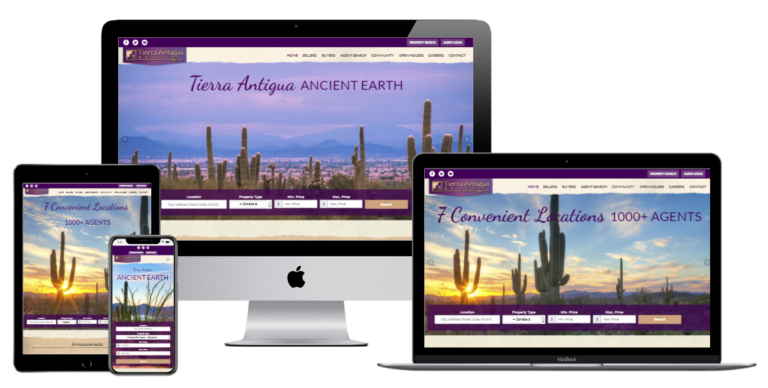
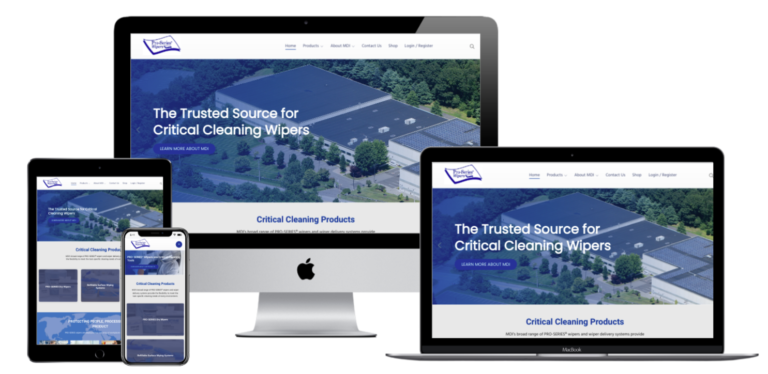
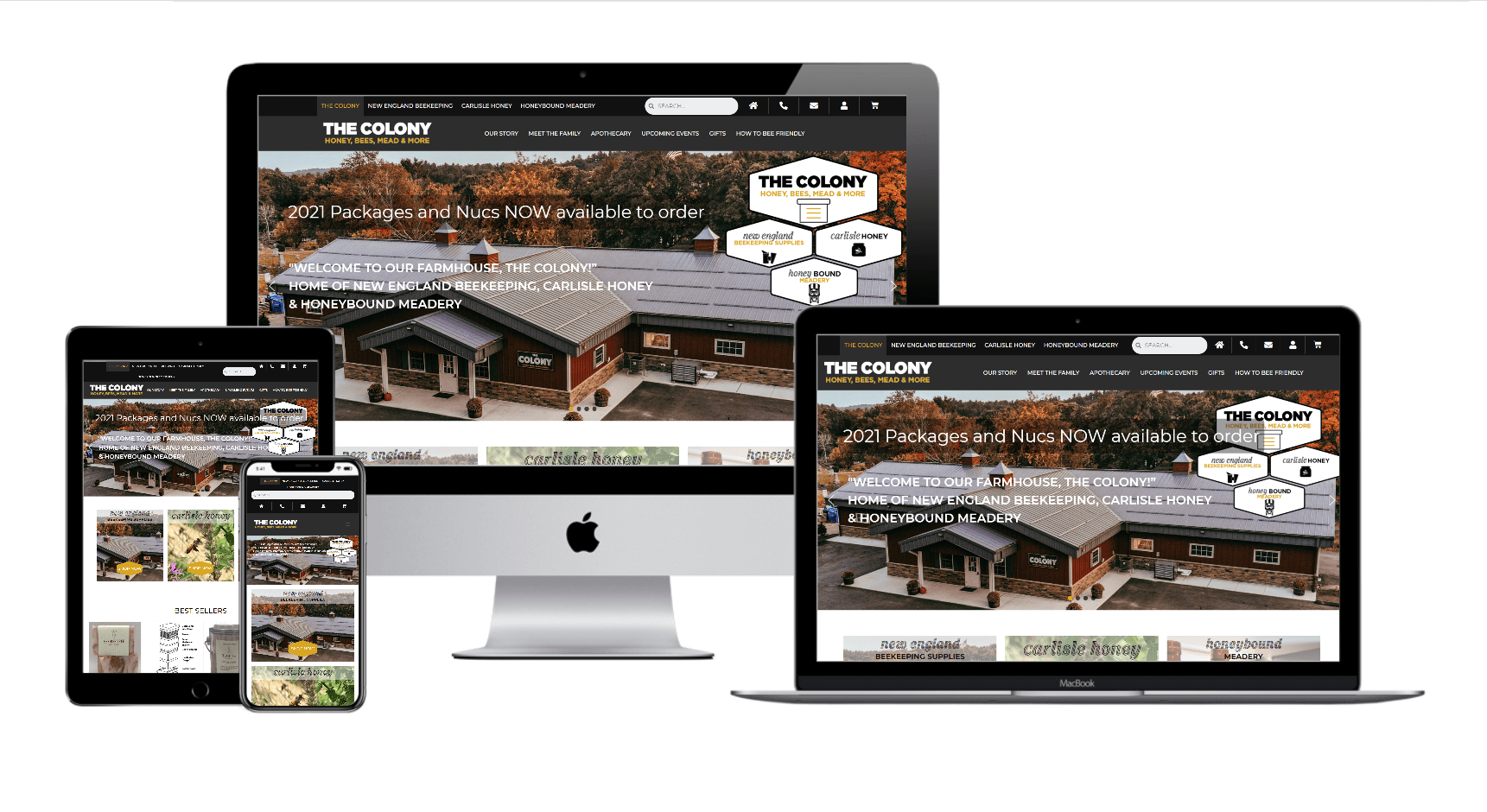
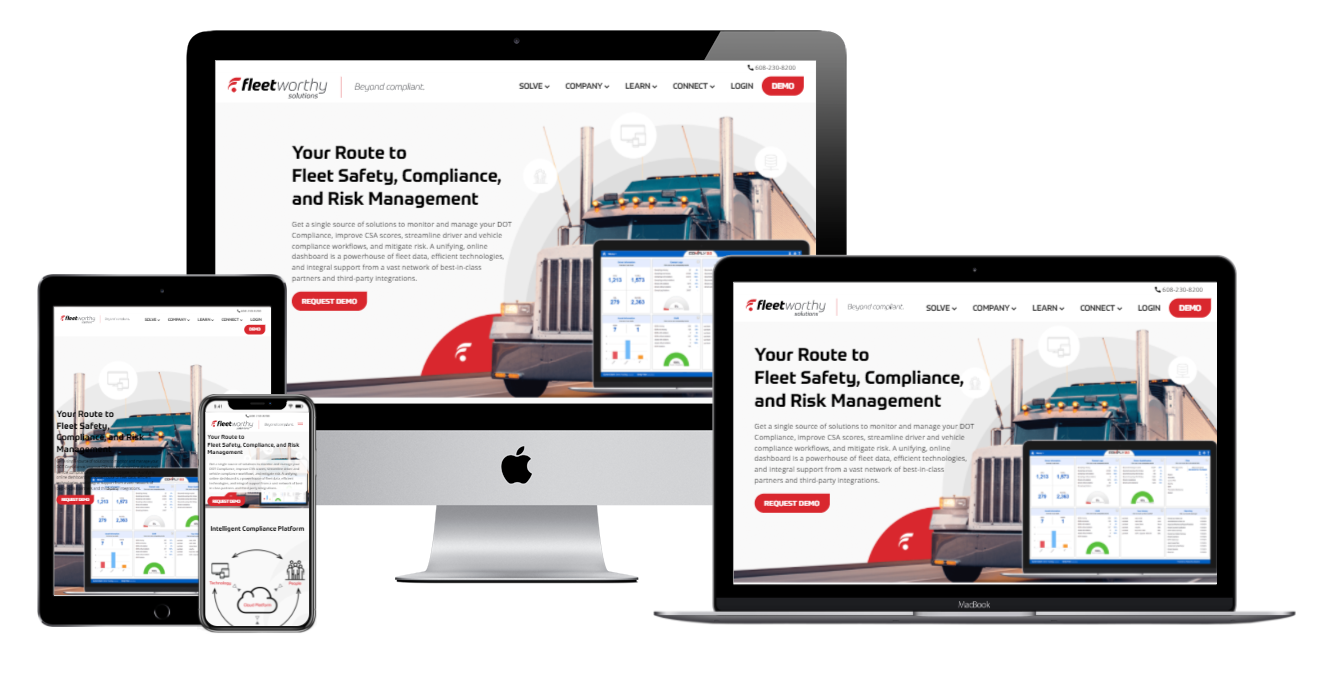
Here are some examples of our stunning WordPress websites